
🌉 Bitcoin ↔ Starknet Bridges
In the Services → Wrap section, you’ll find several options to send your BTC to Starknet and receive wBTC, or vice versa.Atomiq Swap
Brove integrates the Atomiq SDK as a trustless, high-security bridge. To use it:- Connect your BTC and Starknet wallets.
- Choose the amount to send (each bridge has a minimum and an approximate fee of 0.25% + 1500 sats or 0.1% Brove commission).
- Click Bridge. Brove will use the SDK to get the best rate.\
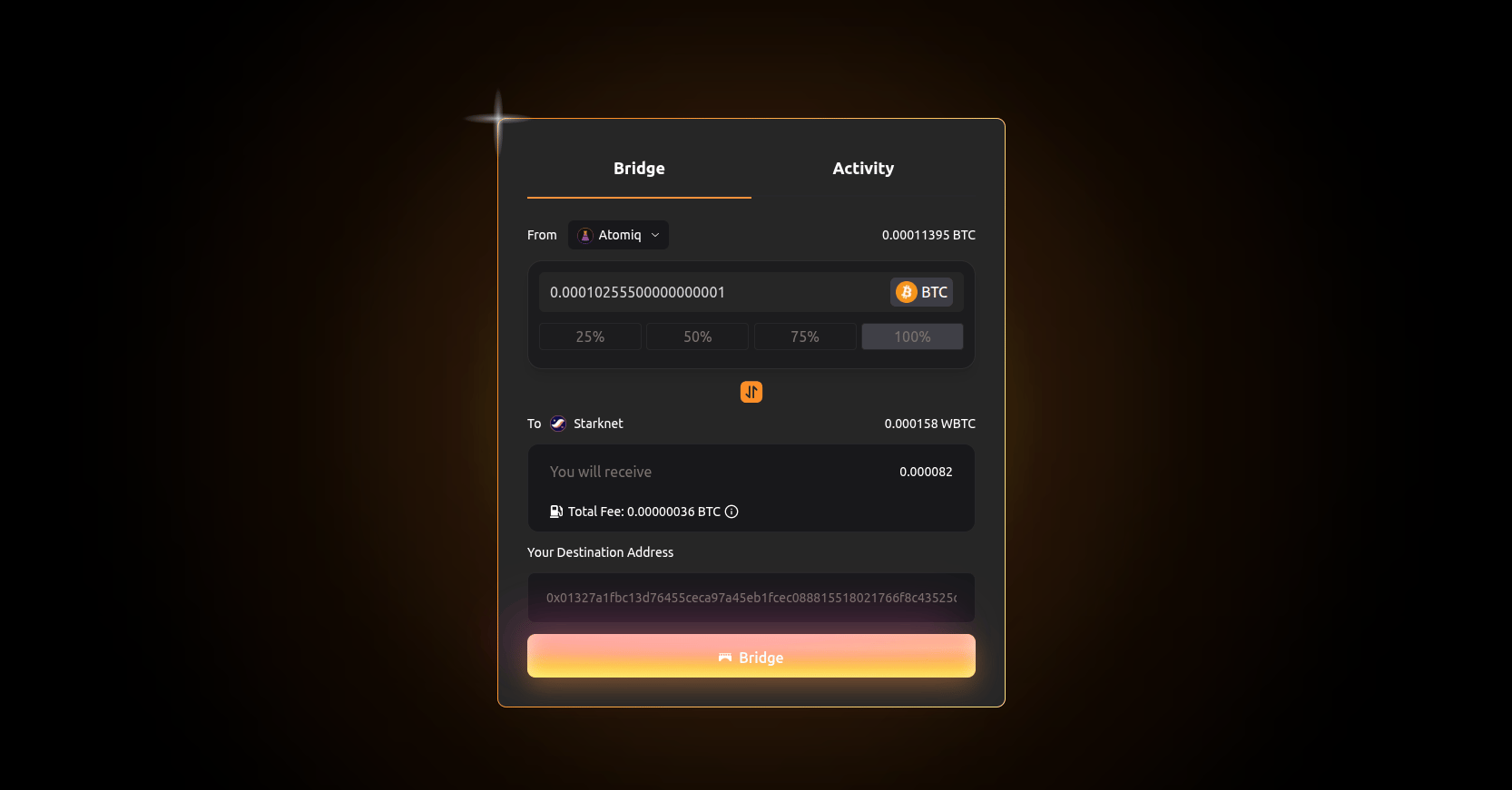
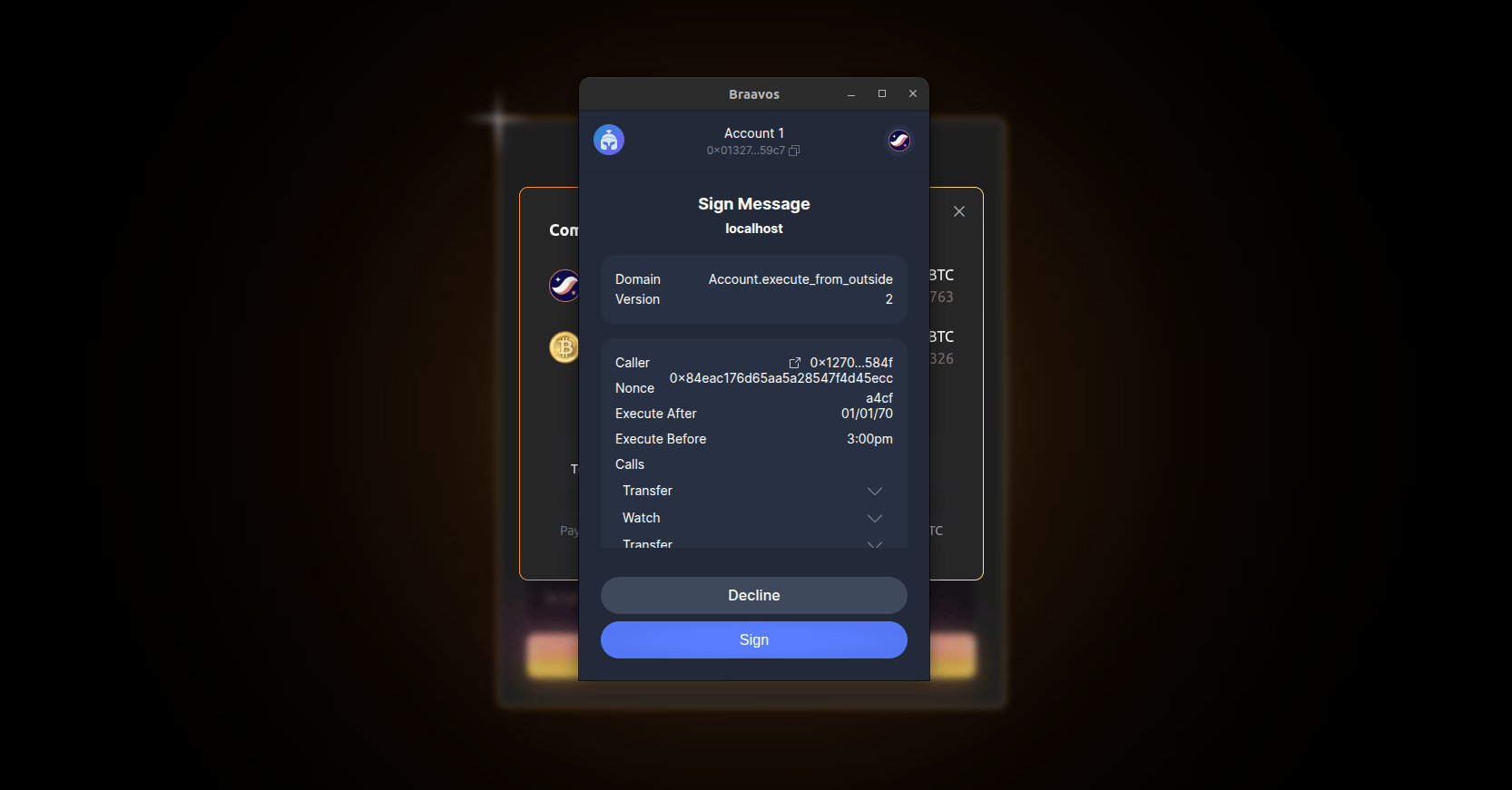
- Approve the Atomiq bridge initialization.\
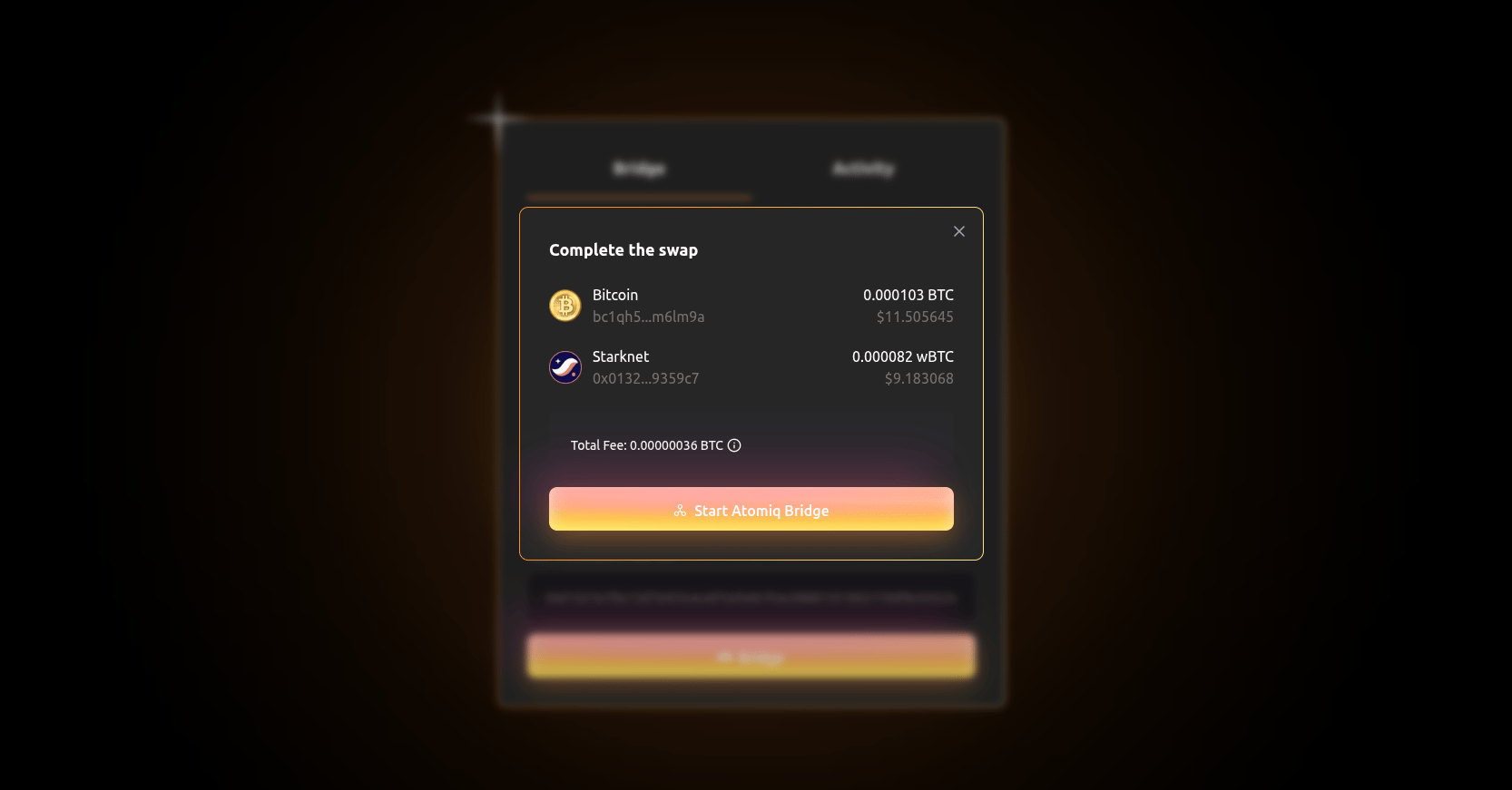
- A BTC deposit address will be generated. You can send funds automatically from your connected wallet.\
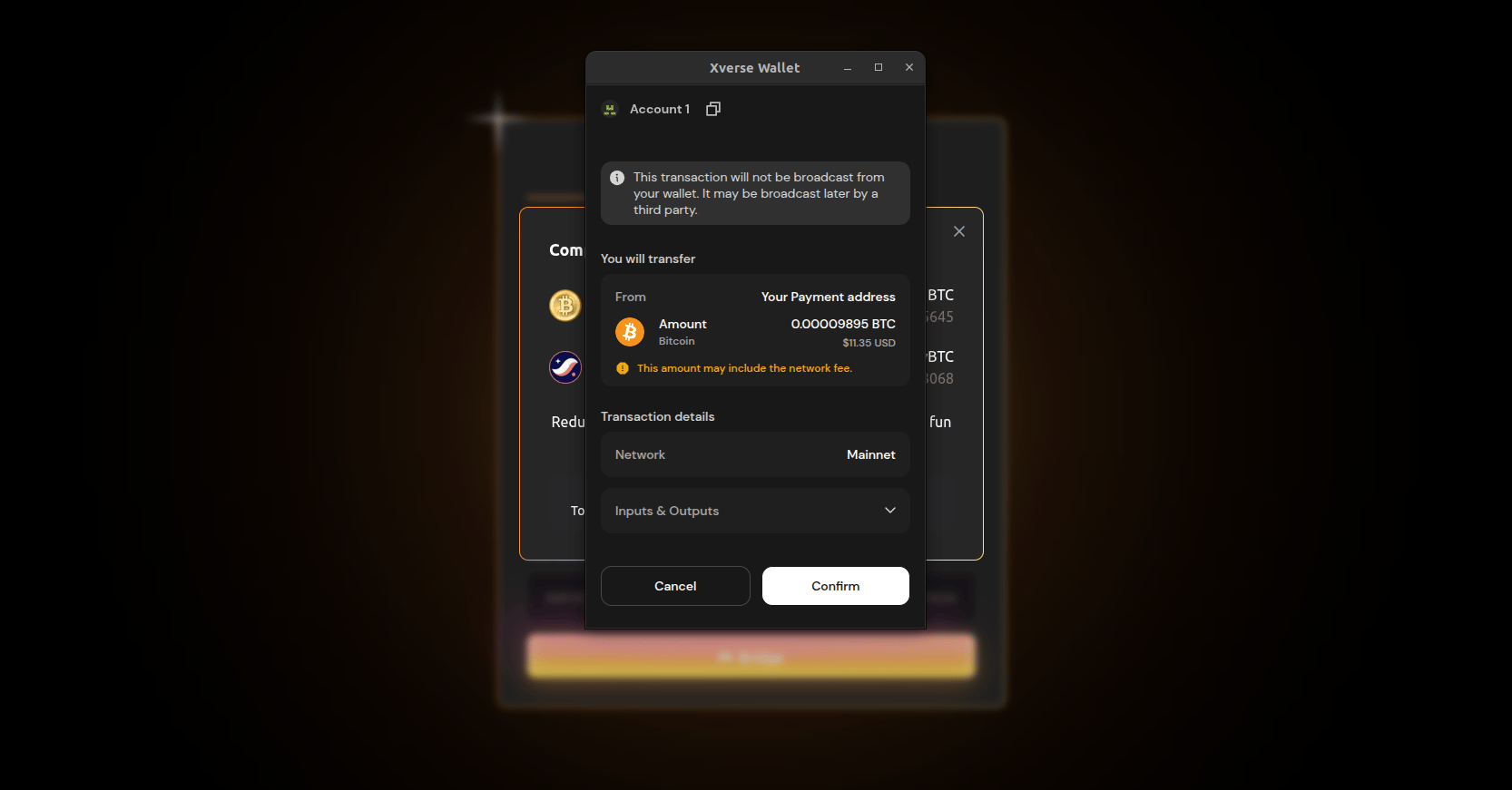
- After several Bitcoin confirmations, you’ll receive your wBTC in your Starknet wallet.
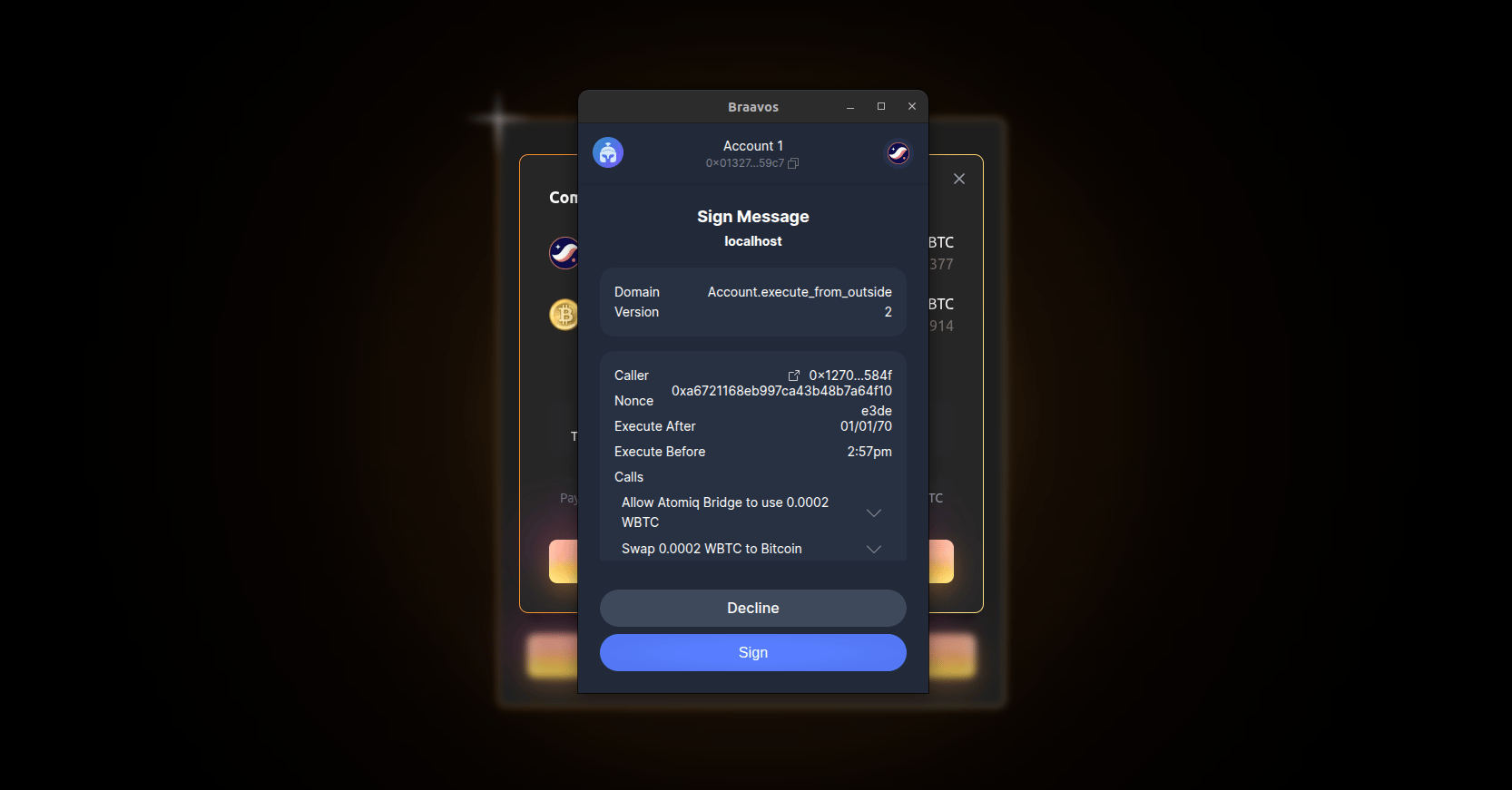
Note: The return process (Starknet → Bitcoin) works the same. Simply click the “double arrow” to switch direction. Fees are paid in wBTC via the paymaster.\
Layer Swap
Brove also integrates the LayerSwap SDK as an alternative bridge. The process is very similar:- Connect your BTC and Starknet wallets.
- Choose the amount to send (minimum + fee of 0.25% + 1500 sats or 0.1% Brove commission).
- Click Bridge. Brove will use the SDK to get the best rate.\
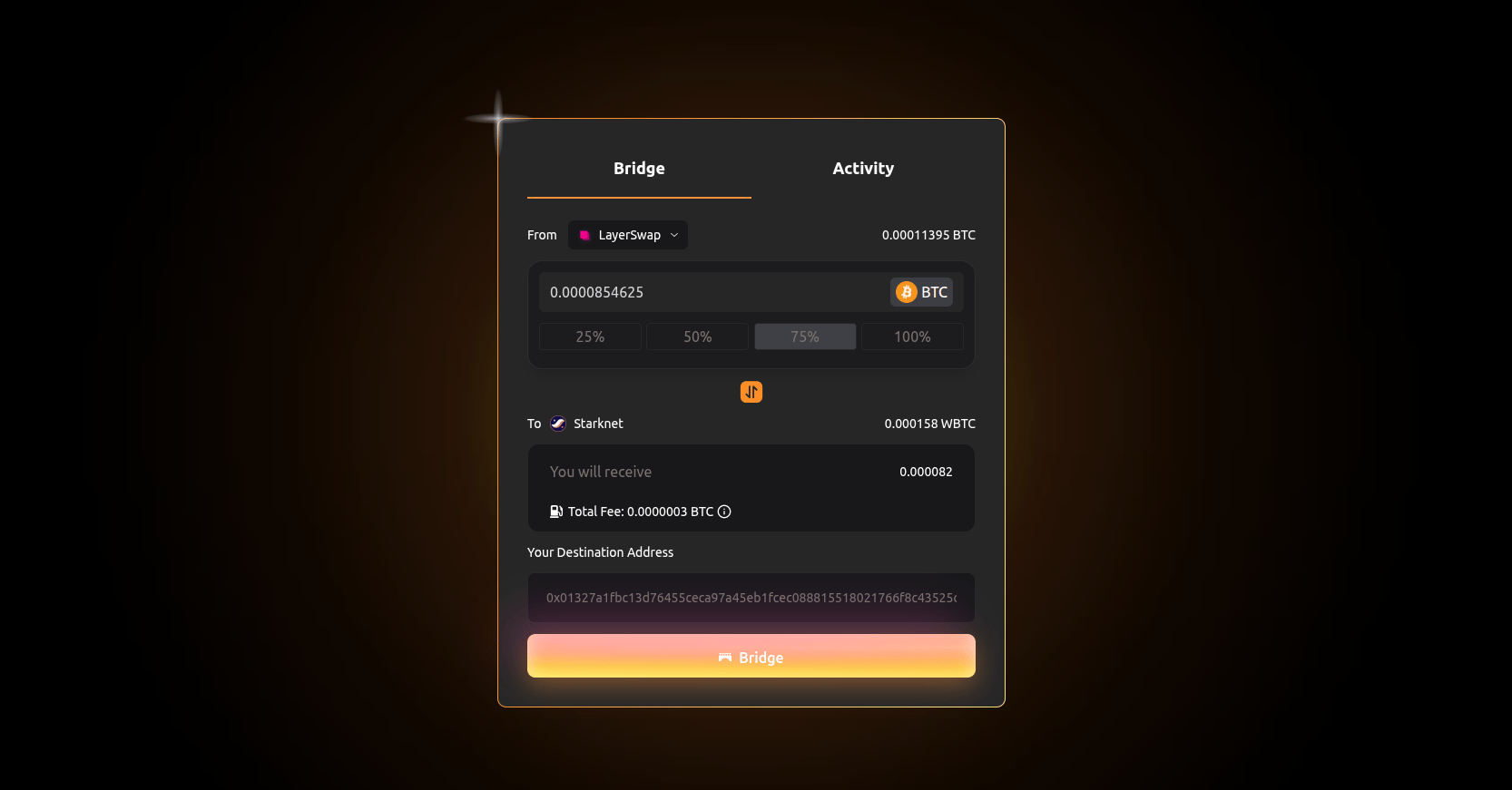
- Approve the LayerSwap bridge initialization.\
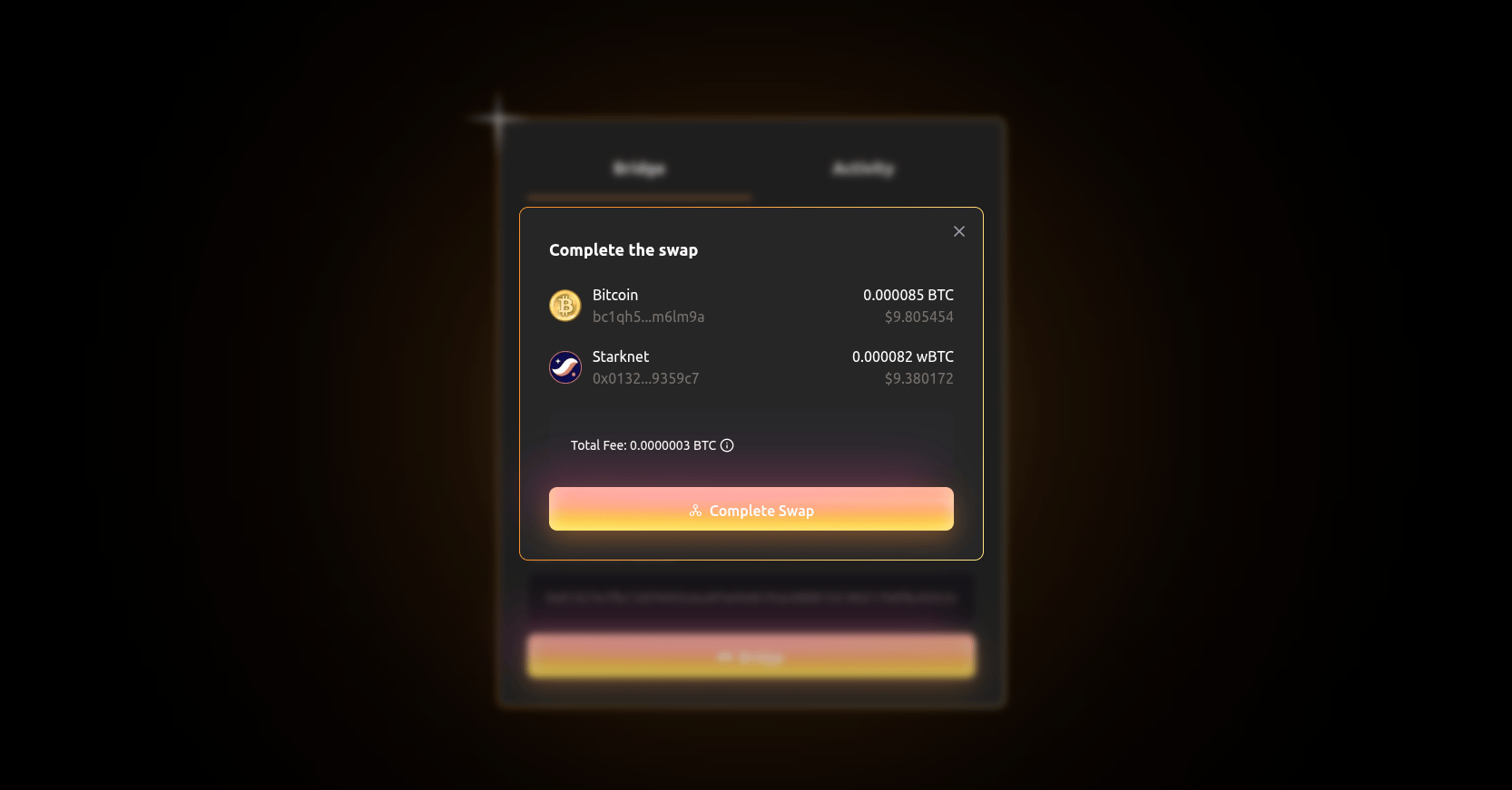
- A BTC deposit address will be generated.\
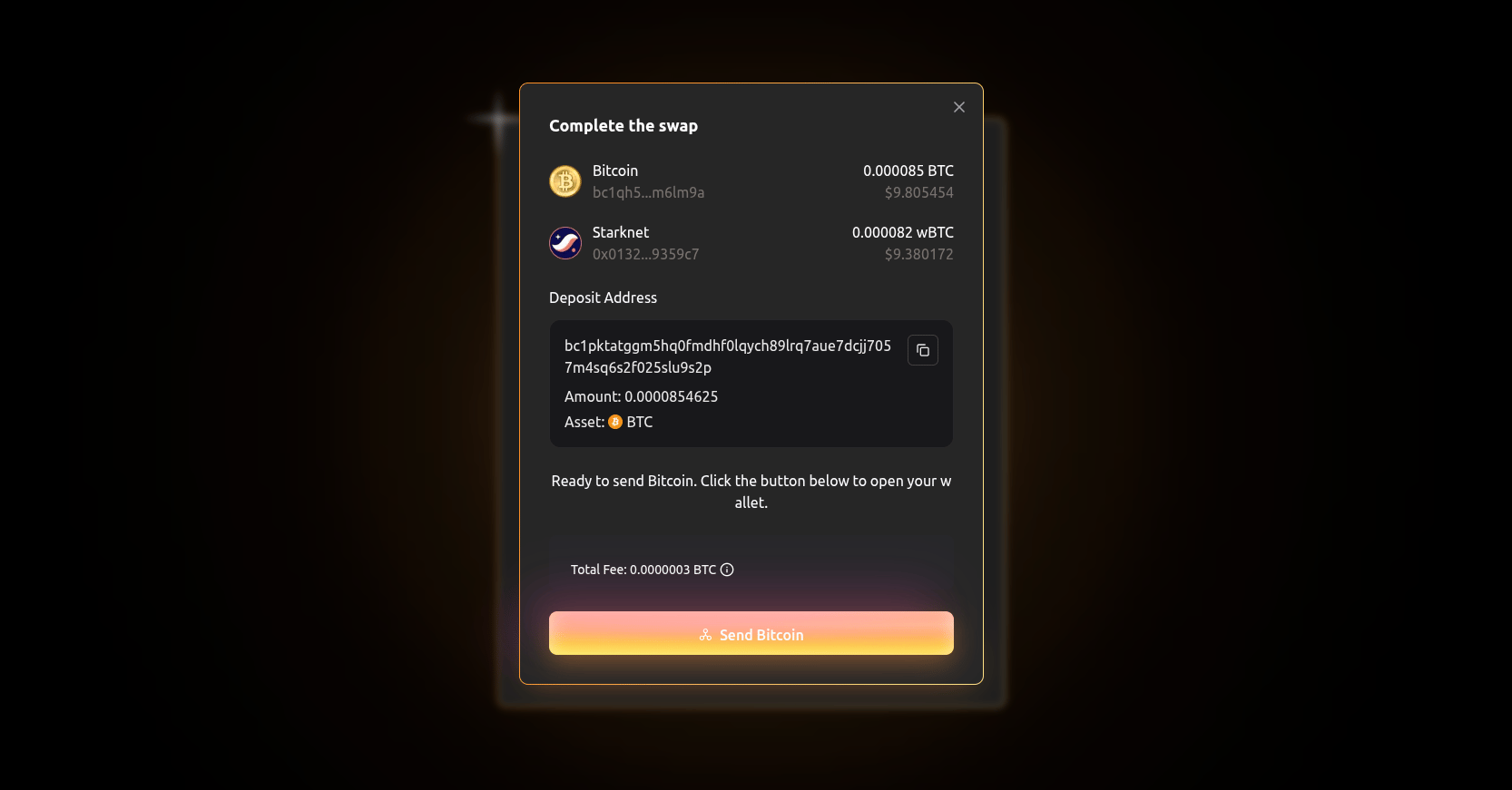
- Transfer automatically from your connected wallet or manually from another.\
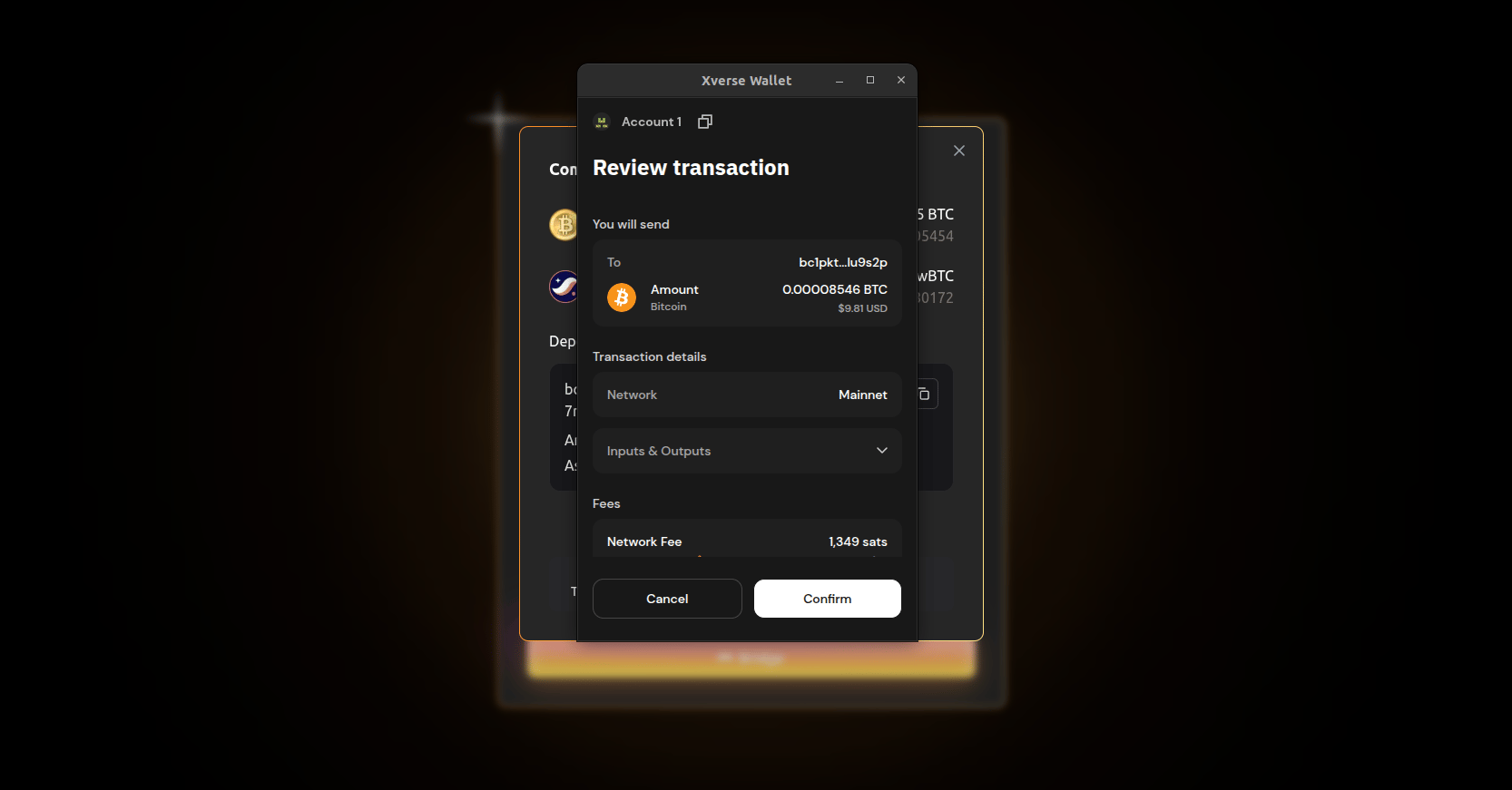
- After several confirmations, your wBTC will arrive in your Starknet wallet.
Note: The return process (Starknet → Bitcoin) works the same. Simply click the “double arrow” to switch direction. Fees are paid in wBTC via the paymaster.\Ready to put your Bitcoin to work?
Check out our BTCFi Services to put your portfolio to work.